MeshTag turns a 3D model or an image into a live map of what you have — part numbers, quantities, documents, vendors — so you can find it and act on it later.
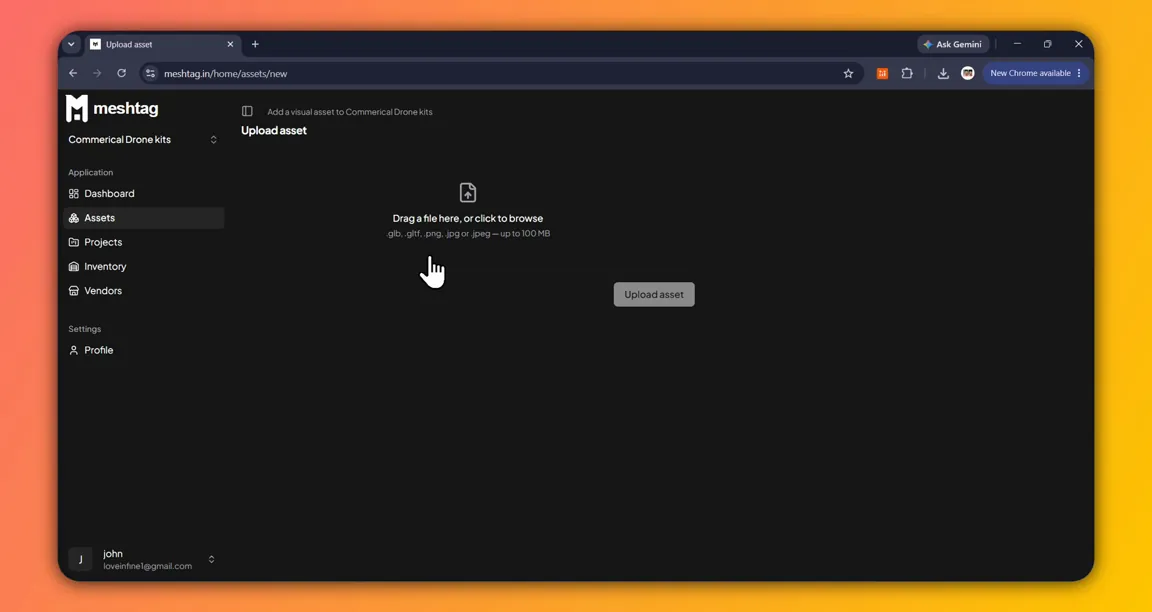
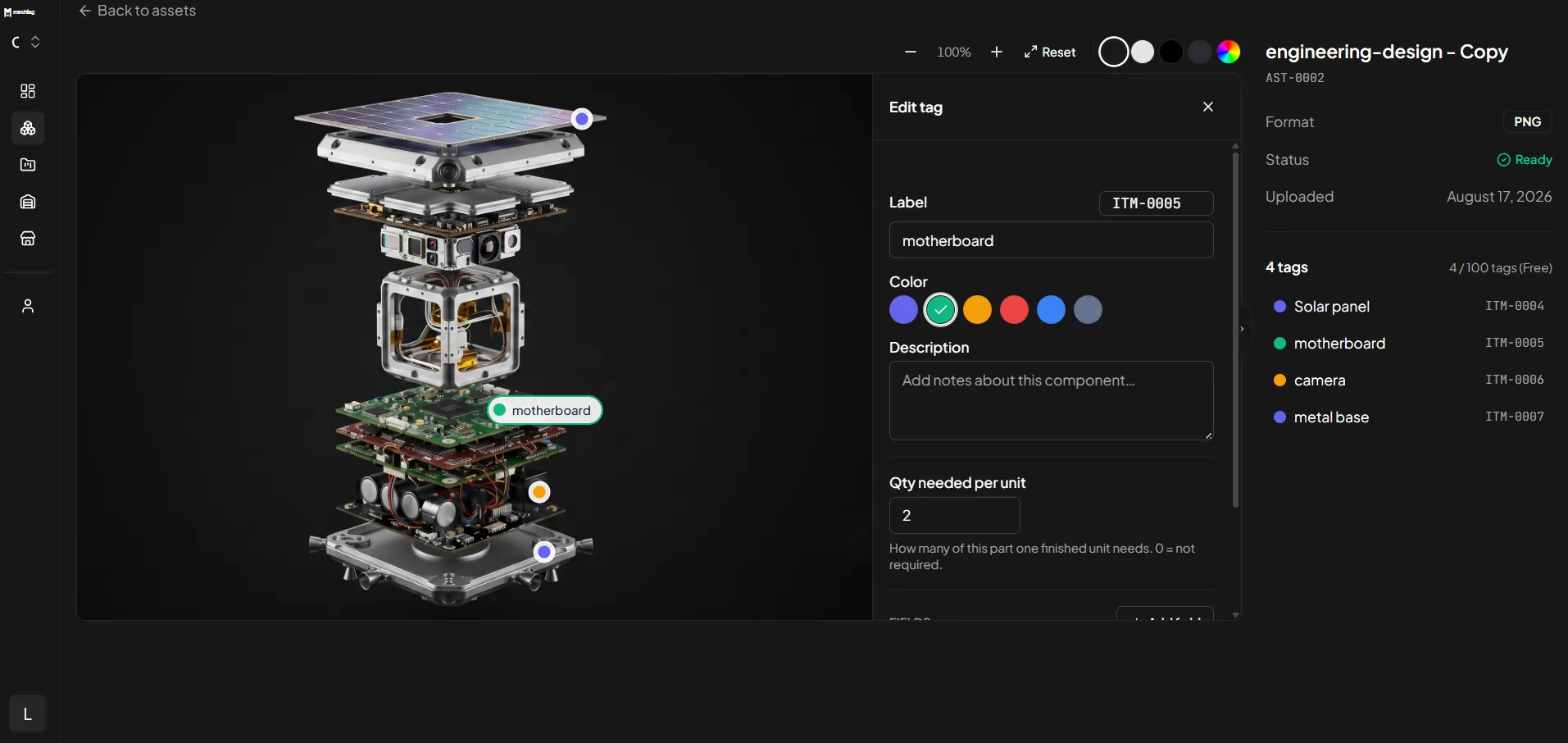
Tagging
Click a part. It becomes a tag.
Click any mesh in a 3D model or any point on an image, and that spot becomes a tag — a place to hang a label, an item code, a quantity per unit, and custom fields for text, numbers, URLs, or on-hand stock.
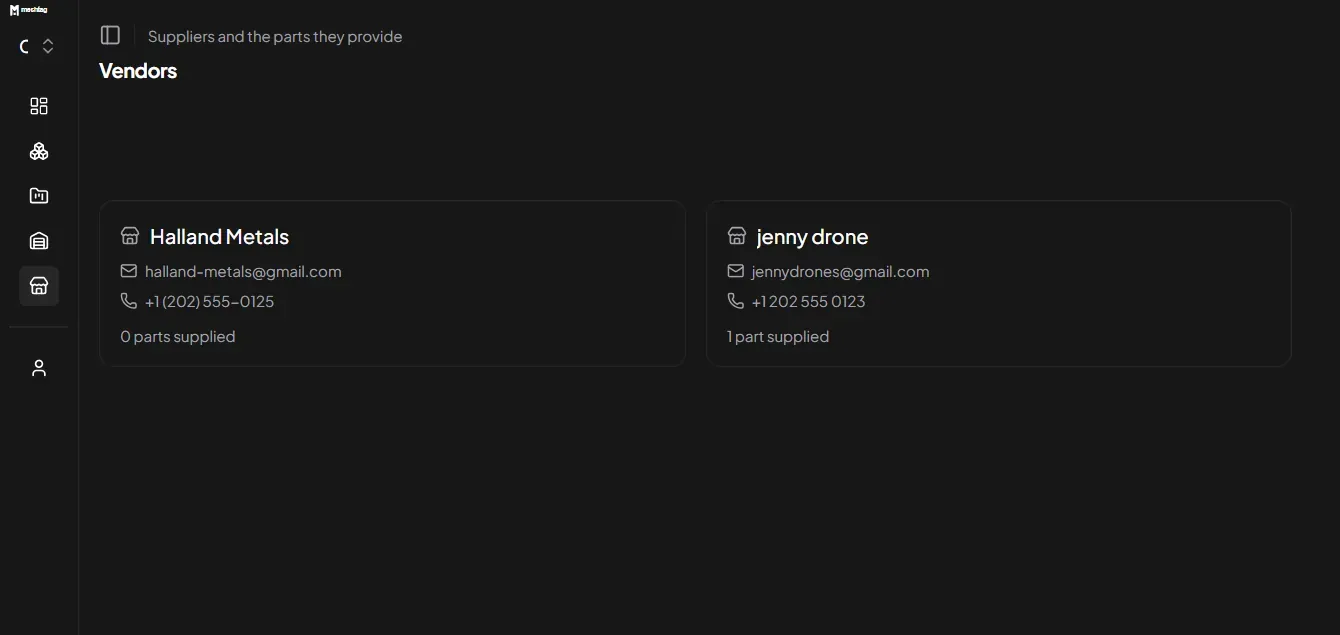
Vendors
Every part knows who supplies it.
Every supplier is its own entry, with its name, email, and phone attached the way a tag carries its fields. Link a part to a vendor once, and that vendor shows how many parts it supplies.
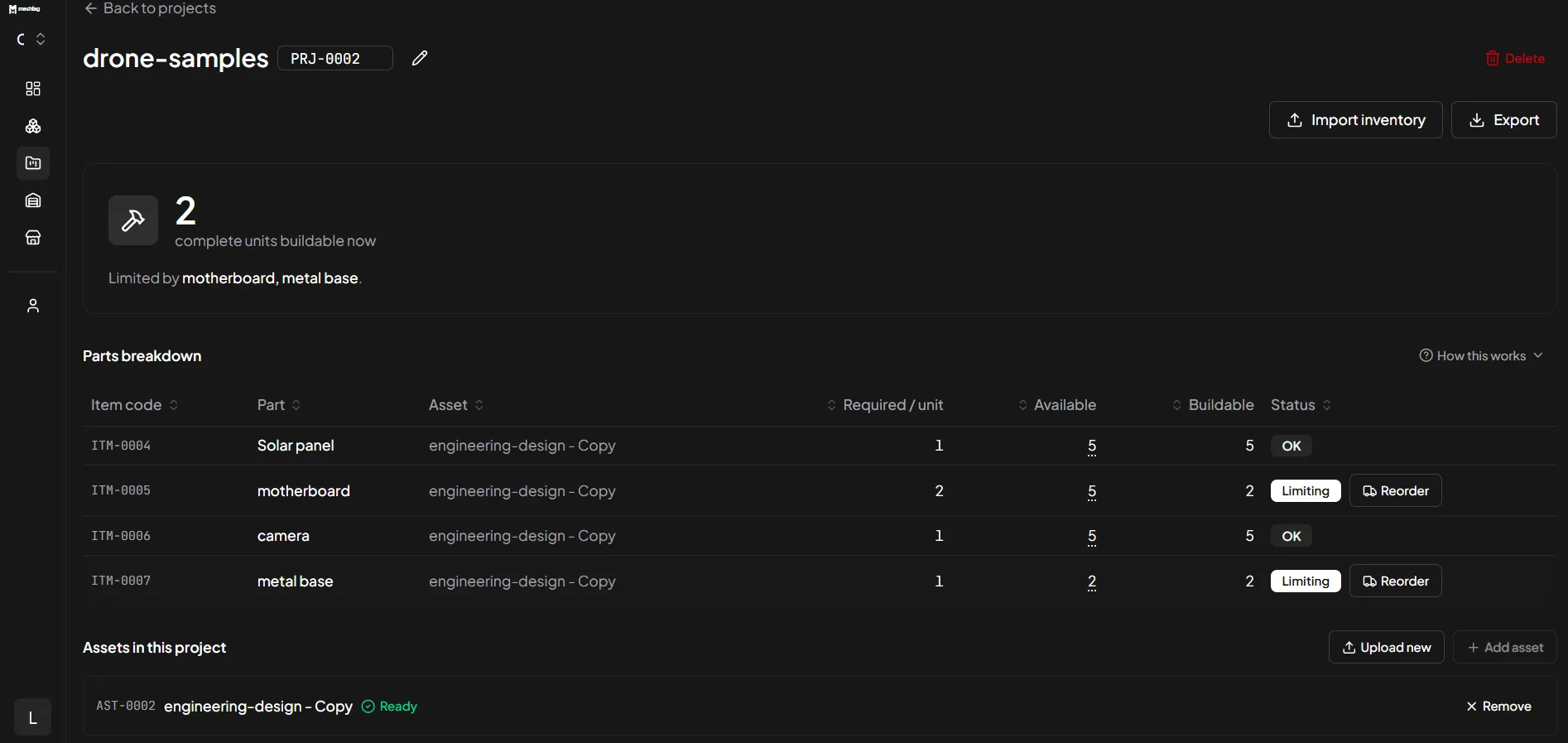
Inventory
Know what you can build, today.
On-hand quantities roll up through every tagged part into one number — set by whichever single part is scarcest. MeshTag names the bottleneck and shows what each part could build on its own.
Used for
Anything you can point at.
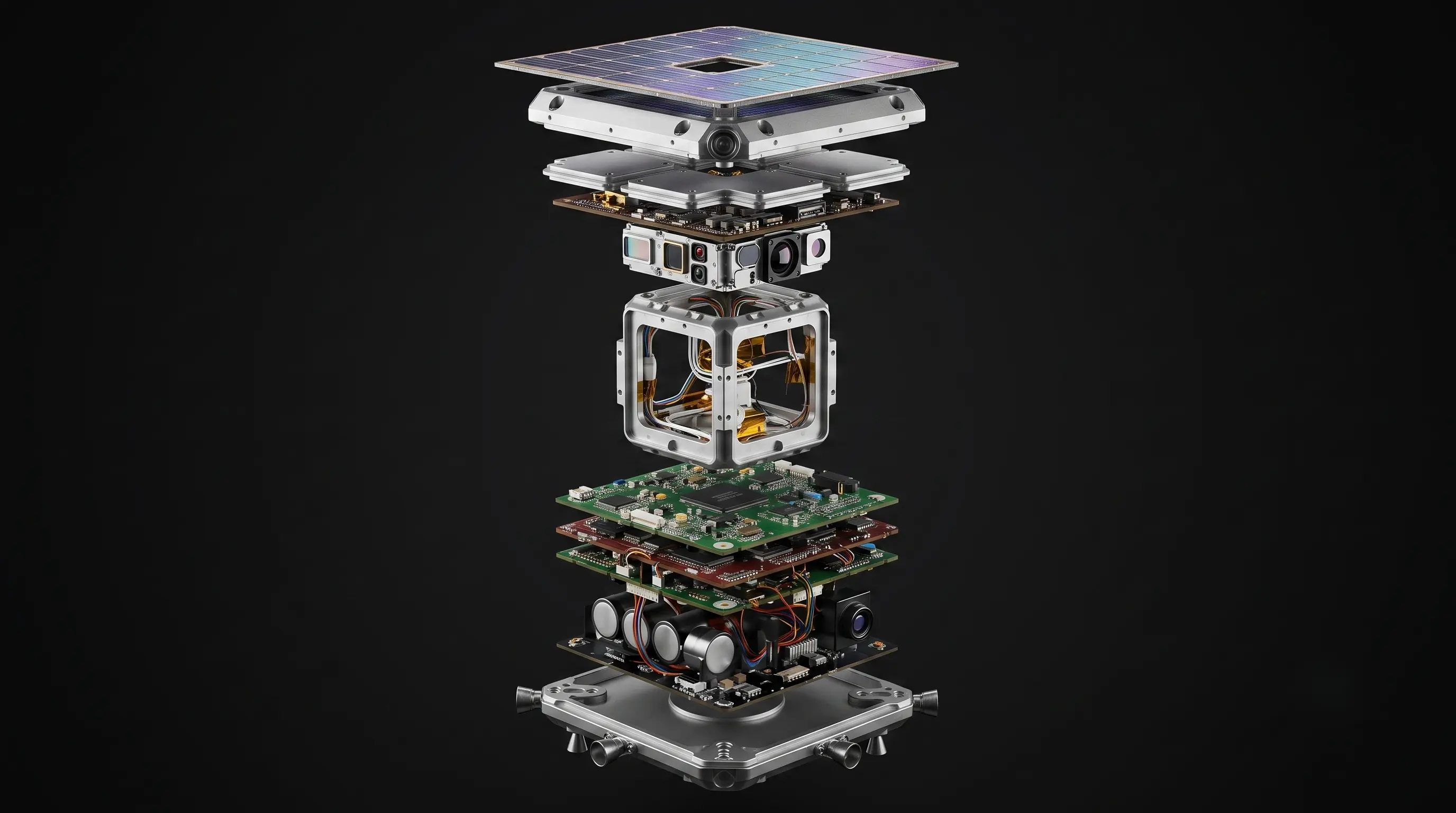 Solar PanelMetal FrameMotherboard
- Tag every component with its part number and quantity.
- Know exactly what’s buildable, today.
Pricing
Start free, grow when you do
Starter
Free
Everything below works today — no card, no trial clock.
- 2 assets
- 100 tags
- Unlimited workspaces
- 3D + image tagging
- Vendors, projects & buildability
Pro
Coming soonTBA
Not open yet. Join the list and we'll tell you the price before anyone else.
- Unlimited assets & tags
- Excel export
- Shareable asset links
Need something bigger? Talk to us.
Your assets know more than they’re showing.
Start tagging in minutes. No credit card required.